
The Sound of Familiarity: Solving the "Cell Phone Dilemma" in Memory Care
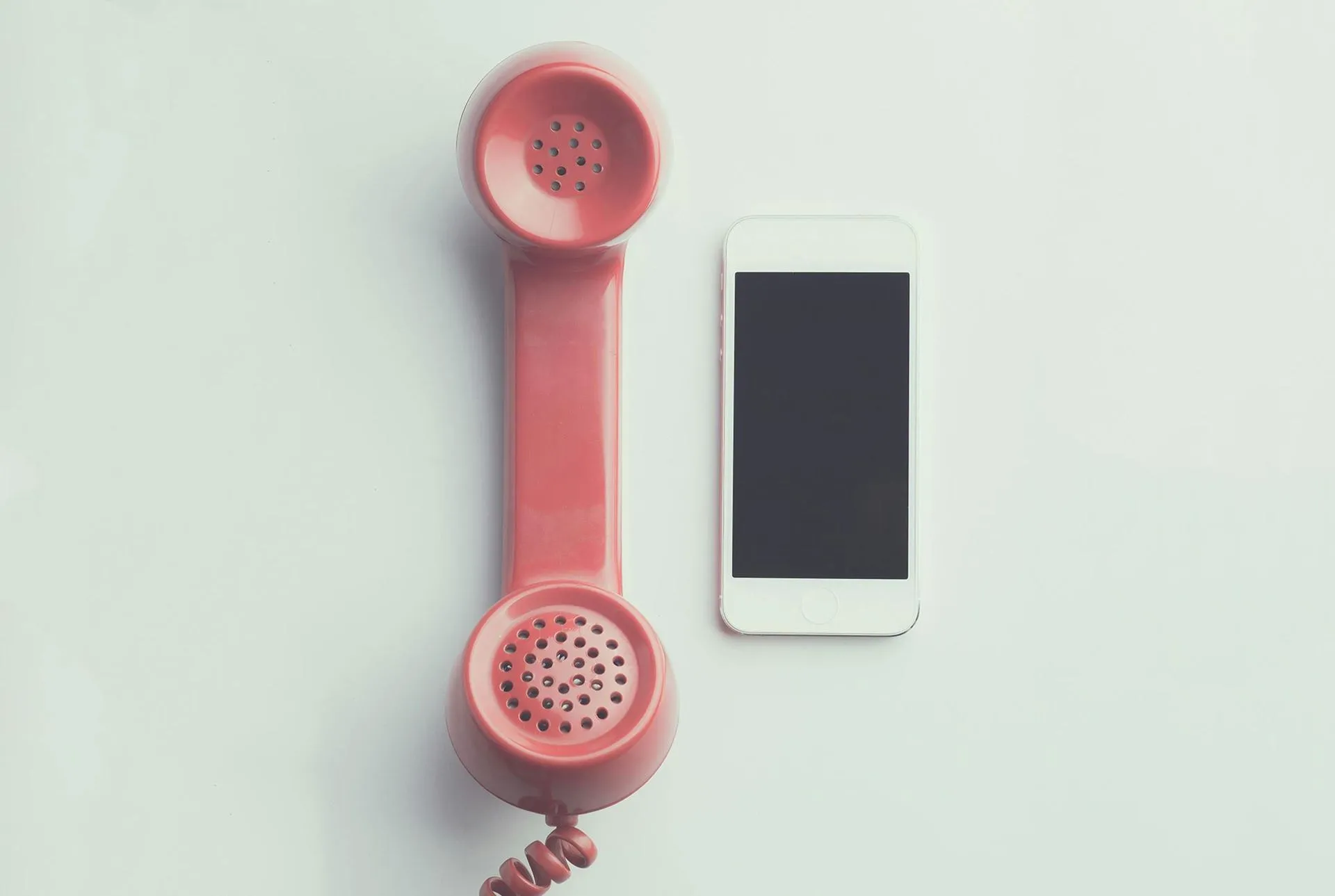
At Bessie’s Hope Legacy, we often talk about the “Rightful Place” of our elders—a place of honor, respect, and dignity. For a senior living with Alzheimer’s or other forms of dementia, dignity often looks like autonomy. It’s the ability to perform a simple, lifelong task without the frustration of new, confusing technology.
However, many families face a modern heartbreak: a loved one moves into a beautiful assisted living facility, only to find the room has no traditional landline jacks. We hand them a smartphone—a marvel of the 21st century—and watch as the “swipe to unlock” or a stray notification creates a wall of digital confusion.
The truth is, for many of our “wise ones,” the muscle memory of a corded handset and a physical keypad is deeply ingrained. When we take that away, we don’t just change their phone; we often accidentally sever their lifeline to the outside world.
The good news? You can bring the landline back, even without a wall jack. Here is how we can use “Invisible Technology” to keep our elders connected.
1. The “Hidden Bridge”: Cellular-to-Landline Adapters
If your loved one has a specific “big-button” phone they have used for years, you don’t have to get rid of it. Devices like the Cell2Jack or XLink BT act as a bridge.
-
The Setup: You pair a very simple, inexpensive cell phone to this small adapter via Bluetooth. You then plug the elder’s favorite corded phone into the adapter.
-
The Experience: You hide the cell phone and the adapter in a drawer. To your loved one, nothing has changed. They pick up the handset, hear a familiar dial tone, and dial numbers just as they did in 1985.
2. The “Modern Classic”: 4G LTE Desk Phones
There is a category of phones known as “Fixed Wireless Desktops.” These look exactly like a standard office or bedside phone, but they don’t plug into a wall. Instead, they have a SIM card hidden in the base.
-
Why it works: It provides the heavy, tactile feel of a “real” phone. There are no screens to swipe and no apps to accidentally open. It uses the same cellular towers as an iPhone, but the interface is purely mechanical.
-
Recommendation: Look for models with “Big Buttons” specifically designed for seniors, which often include a dedicated emergency button.
3. The “Managed Lifeline”: Ooma Telo LTE
For families who want a bit more “safety net,” the Ooma Telo LTE is a wonderful hybrid. It uses a cellular base station to provide “home phone” service without an internet connection or a phone jack.
- The Caregiver Advantage: Ooma offers a “Premier” service that allows you to manage the phone remotely. You can block telemarketers (who often prey on the elderly) and receive an alert on your own phone if the handset is left off the hook—a common occurrence in memory care that can lead to missed calls and unnecessary worry.
Honoring the Connection
When we bridge the gap between “what is modern” and “what is familiar,” we are doing more than just providing a tool; we are preserving a relationship. A phone call shouldn’t be a source of stress or a reminder of what has been forgotten. It should be a bridge to a familiar voice.
By “hiding” the technology, we allow the elder to stay in their comfort zone while staying safely connected to their family, friends and caregivers.